One model.Every trade.The whole plan set.
FrameMind Linework is a CAD for building and planning, native on the Mac. Buildings, roads, sewers and utilities take shape in one file, together with the drawings, schedules and calculations an office hands in. Duck, the built-in assistant, works with the same commands you do.
Version 0.19.2 from 13 November 2026, for Apple silicon. Windows is in preparation.
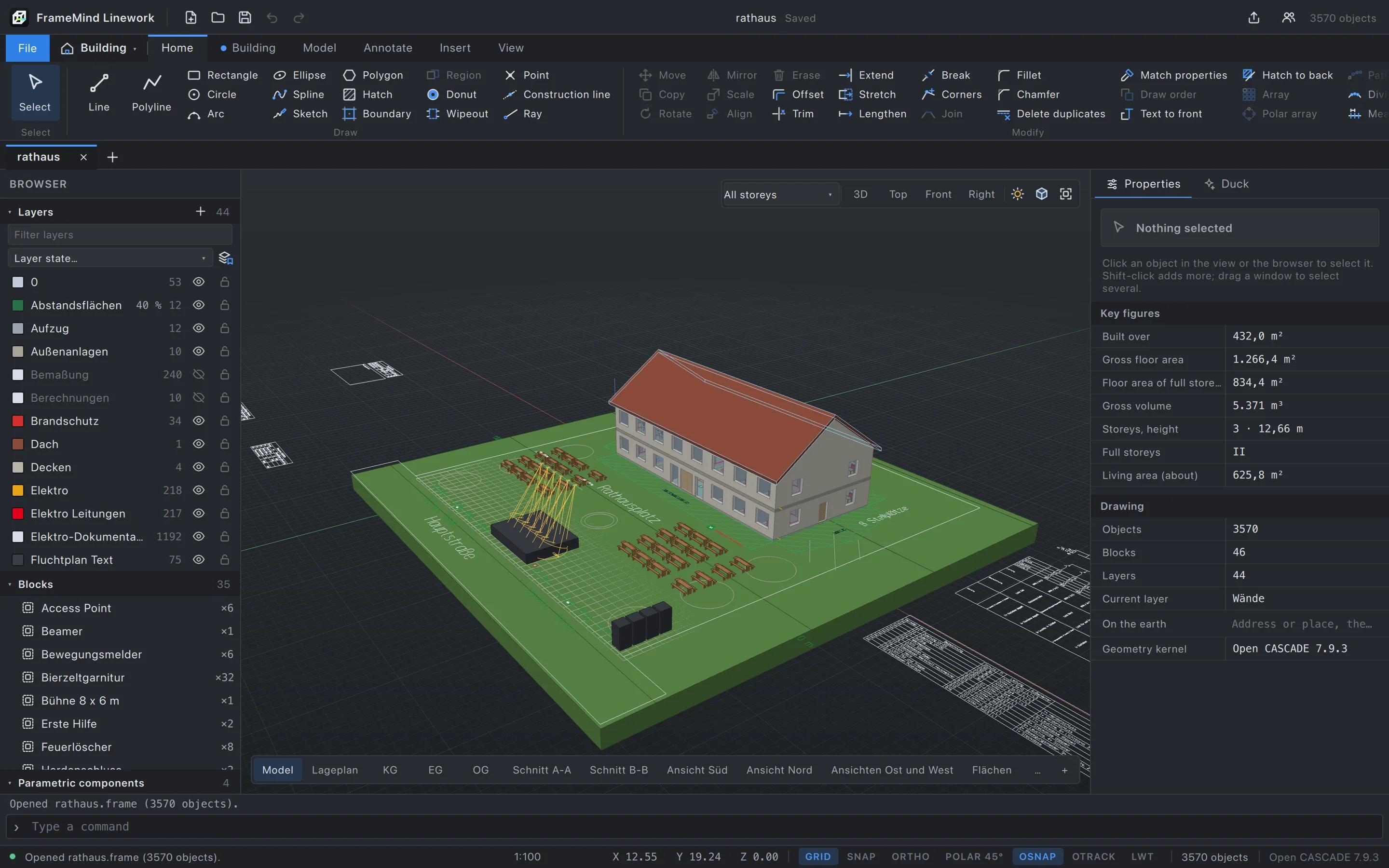
The Bachhausen town hall in Linework: 3,570 objects, 58 sheets, one file. The bar beneath switches between the model and its sheets, as in the app. Bachhausen town hall
For the trades that build.
Every discipline has its workspace, its commands and its symbol pack. All of them work in the same file, on the same model.
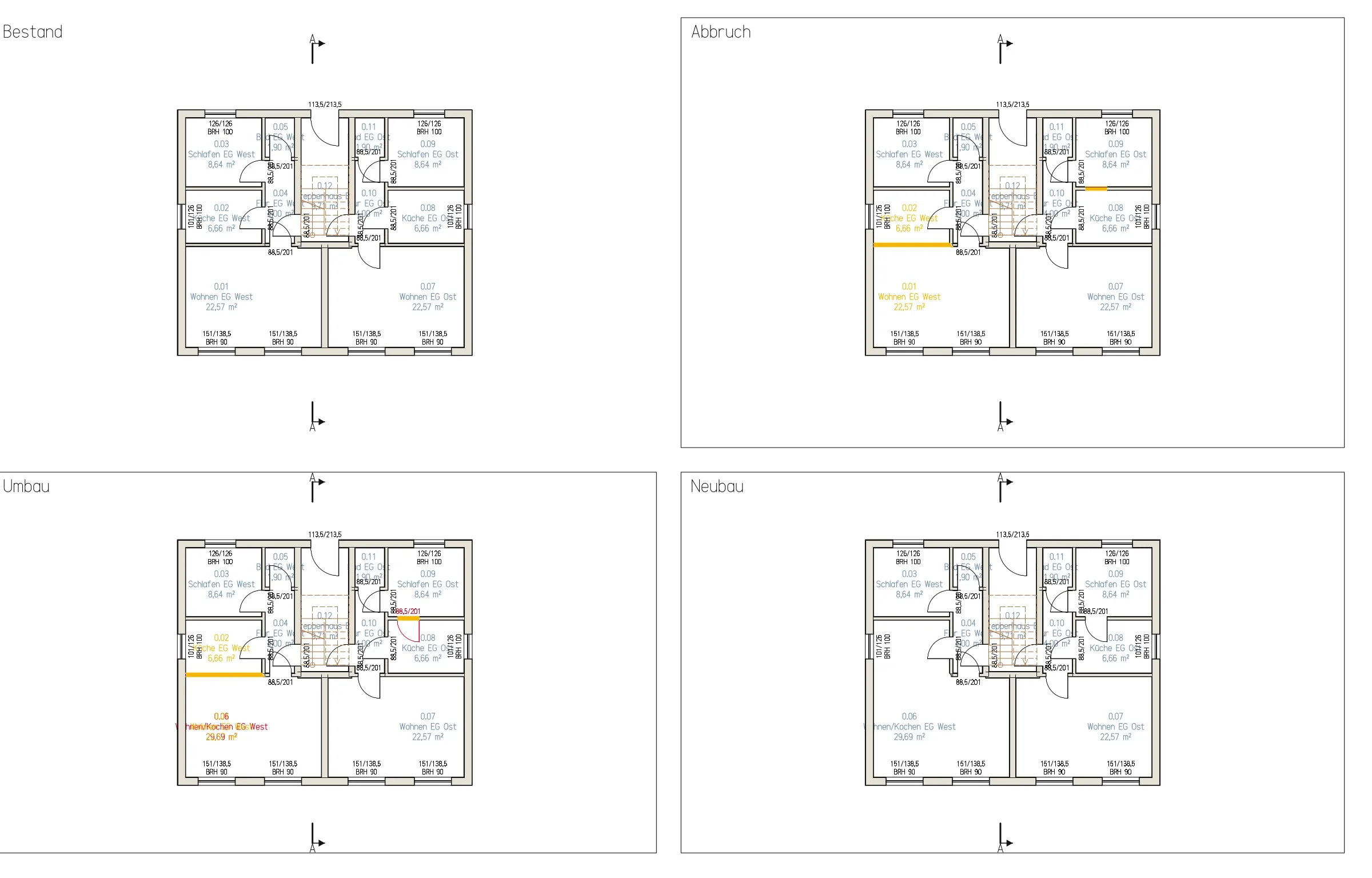 BuildingsBuilding model, permit drawings, working drawings, conversions with existing, demolished and new.
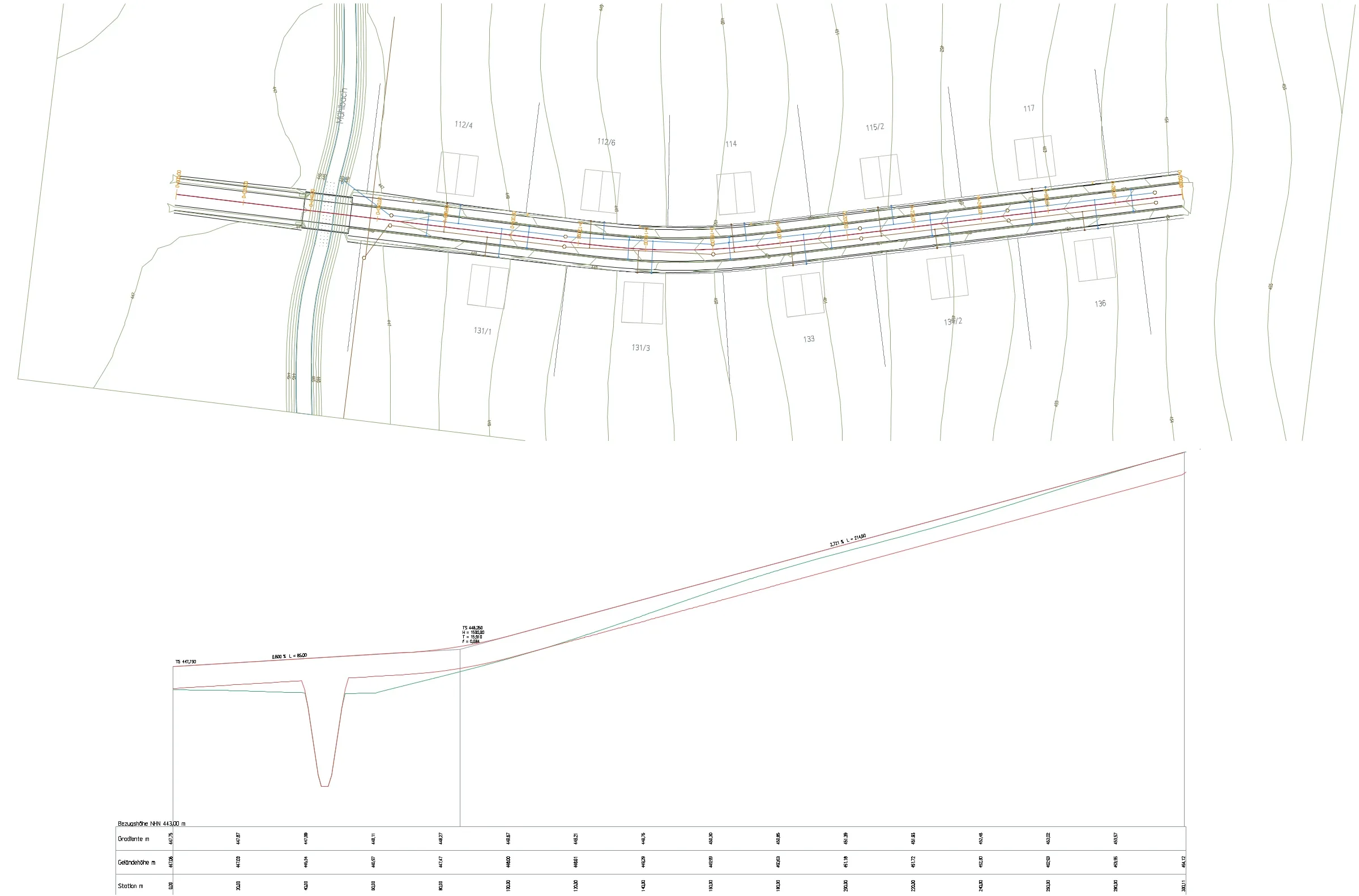 Civil worksSurvey, earthwork quantities, setting out, roads with alignment and profile, sewer networks.
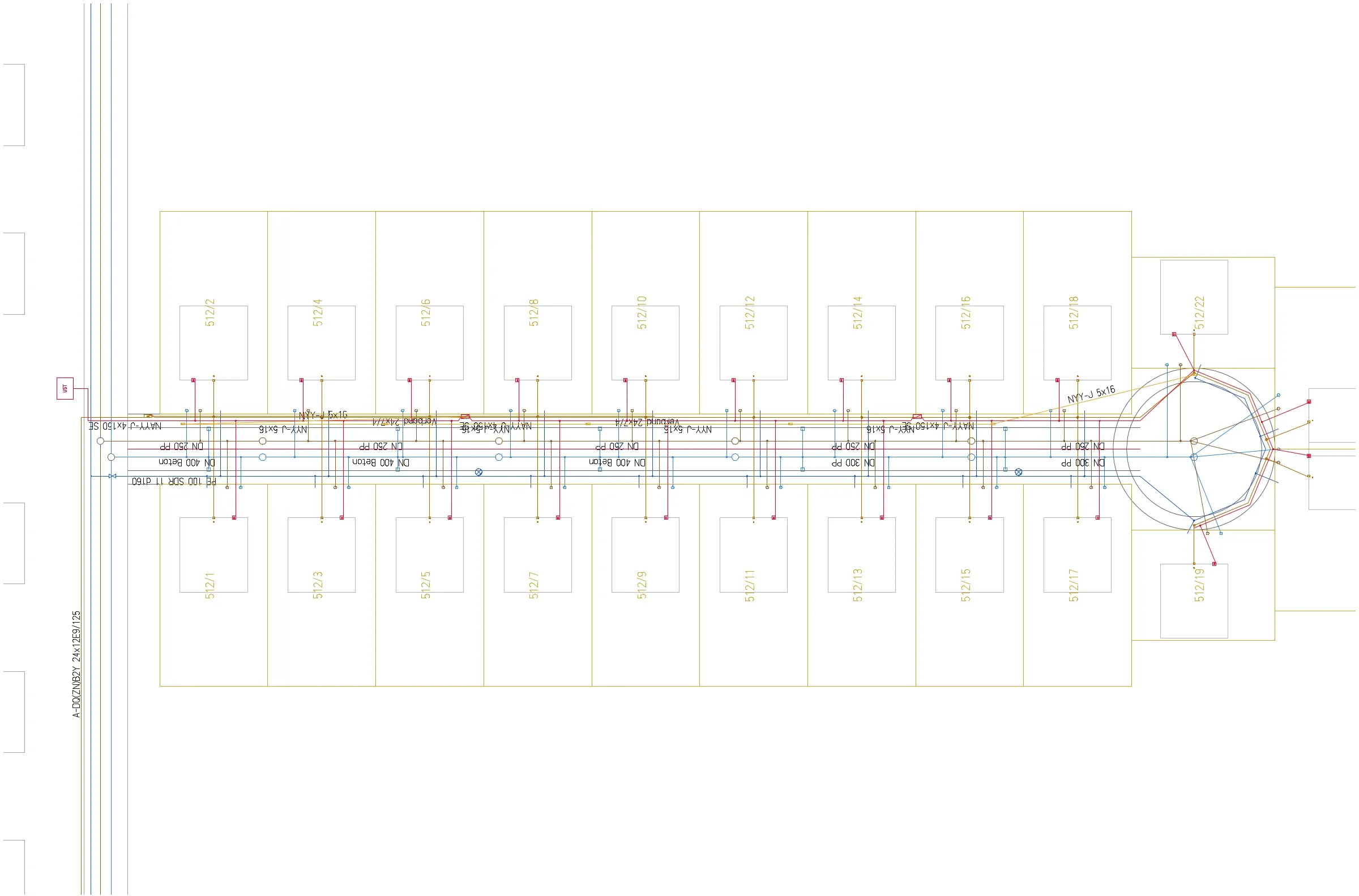 UtilitiesWater, power, sewer, fibre: house connections, duct occupancy, splice plan, GIS hand-over.
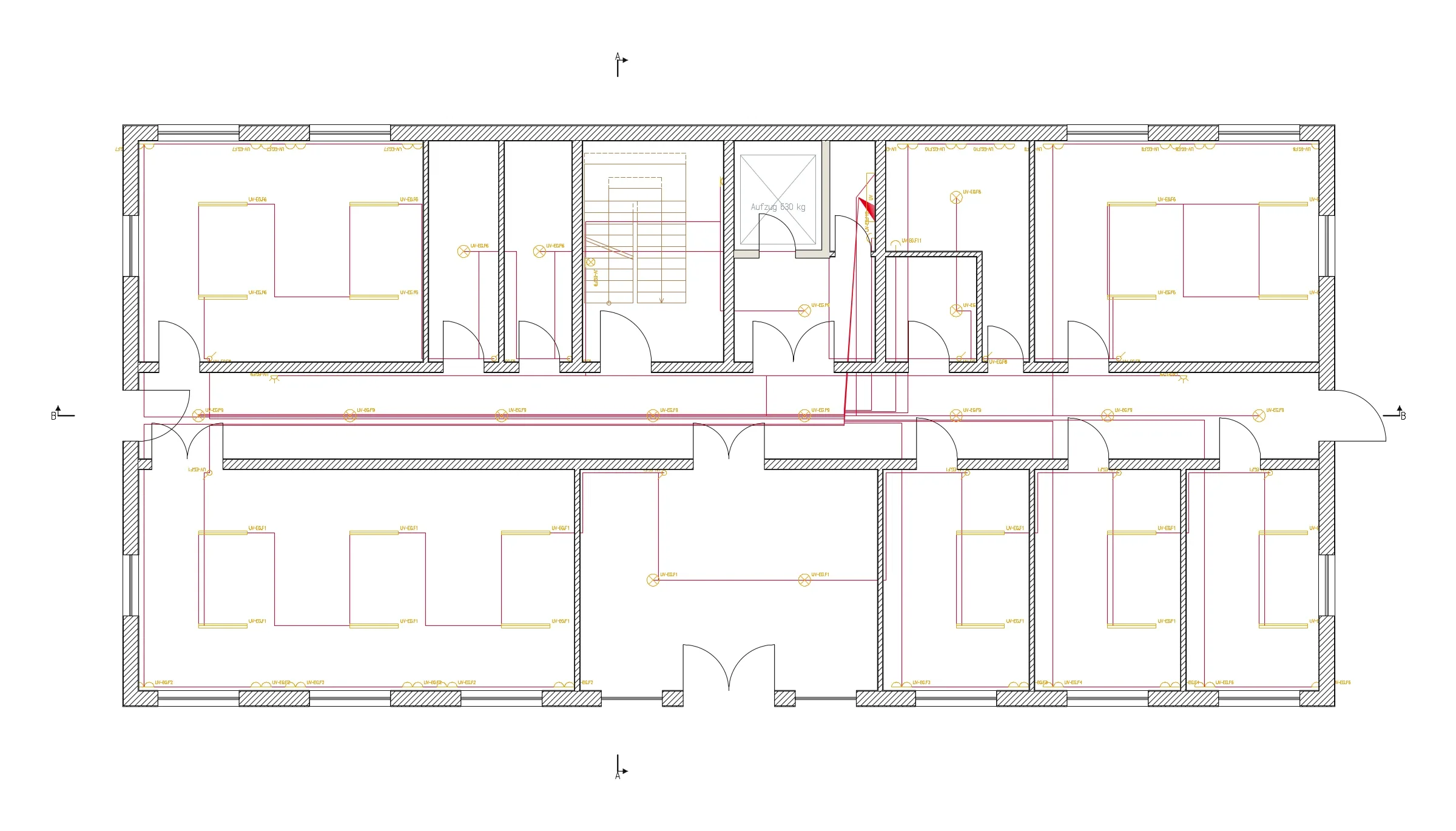 ElectricalBoards, circuits, installation plan, single-line diagram, circuit list.
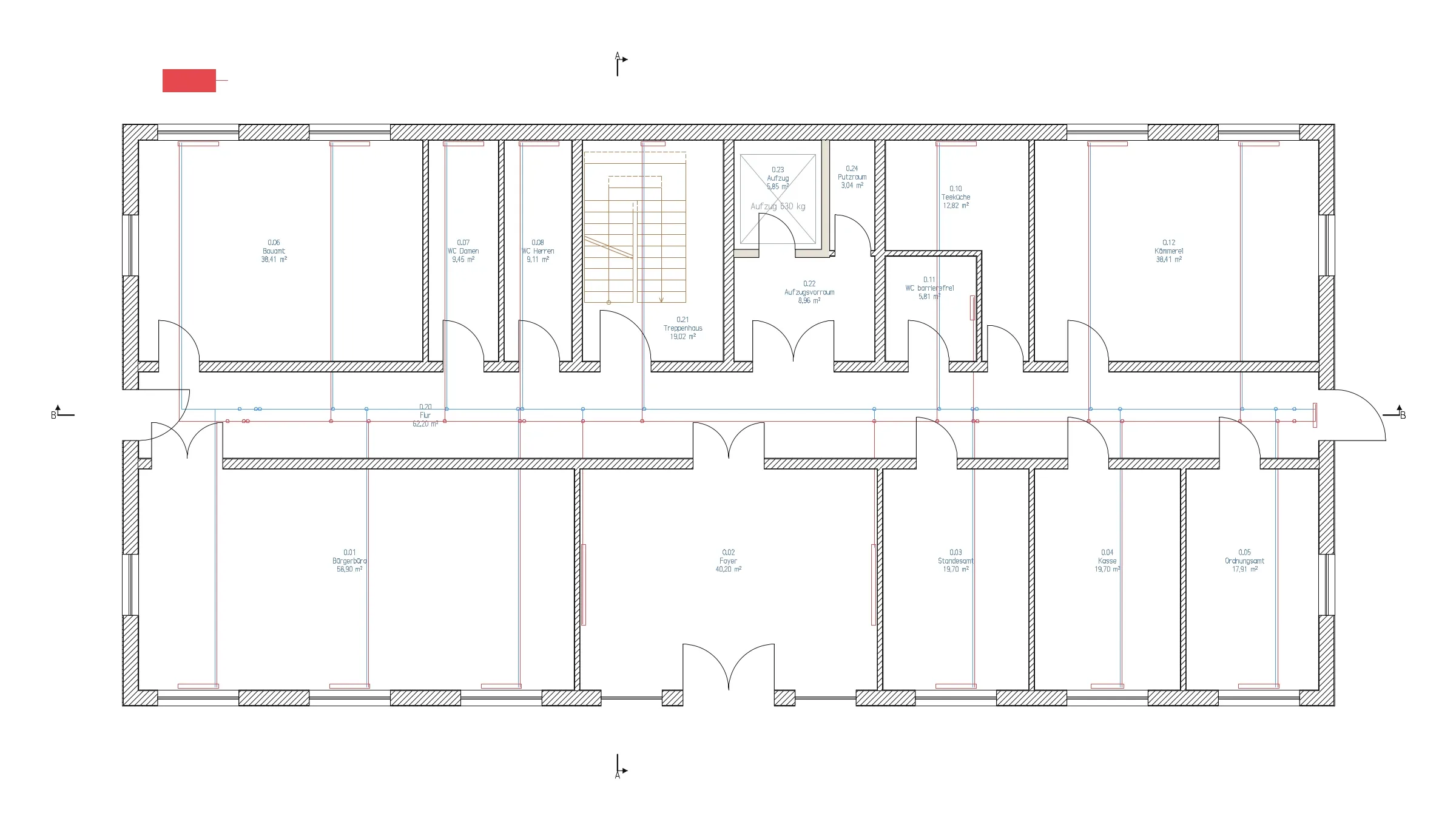 Plumbing, heating, ventilationHeat load, radiators, hydraulic balancing, drinking water, drainage, riser diagrams.
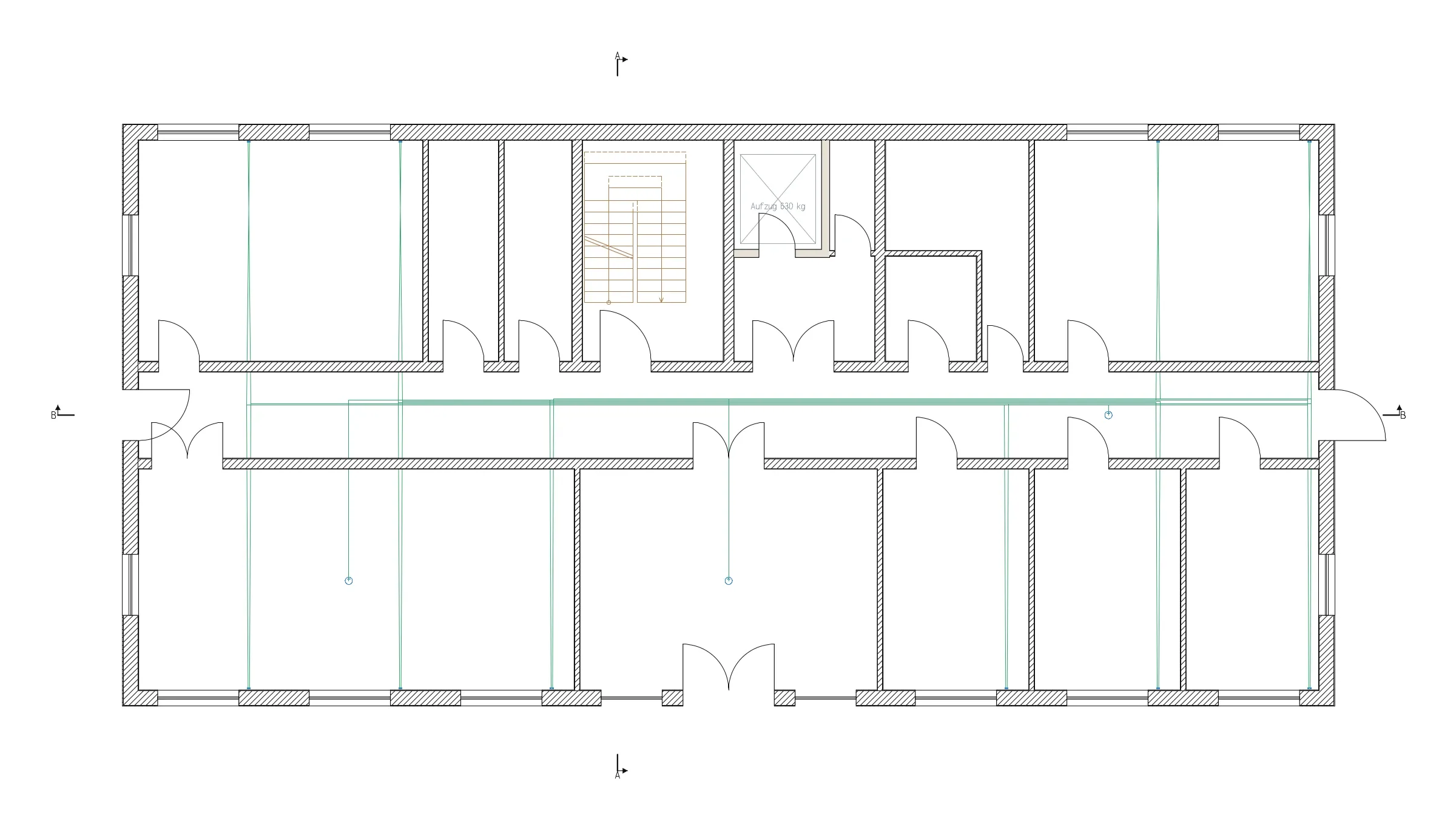 Network and circuit diagramsData outlets, patch panels, racks, cable numbers, patch list, cross-references.
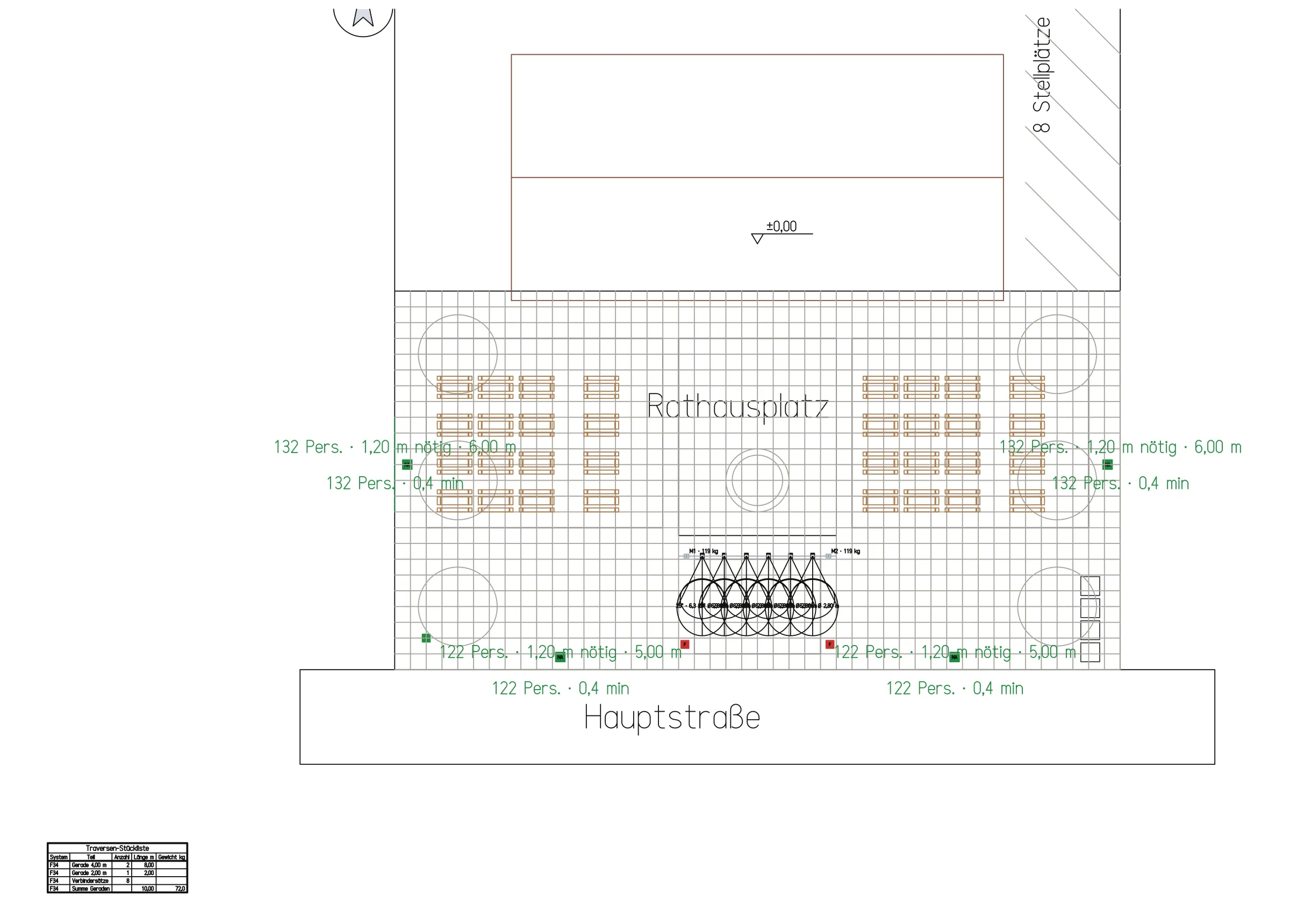 Event productionVisitor numbers, seating, escape routes, trusses, loads, lighting plan.
One ground floor, four trades.
These four sheets of the town hall show the same window onto the same model. Move a wall, and the next time they are drawn it stands in its new place on all four.
Plotted from rathaus.frame at 1:50. A click opens the whole sheet.
Five projects, built from commands alone.
Every example is a script of Linework commands, the way a person or Duck would type them. What was missing along the way, we built. What is still missing is listed with each project.
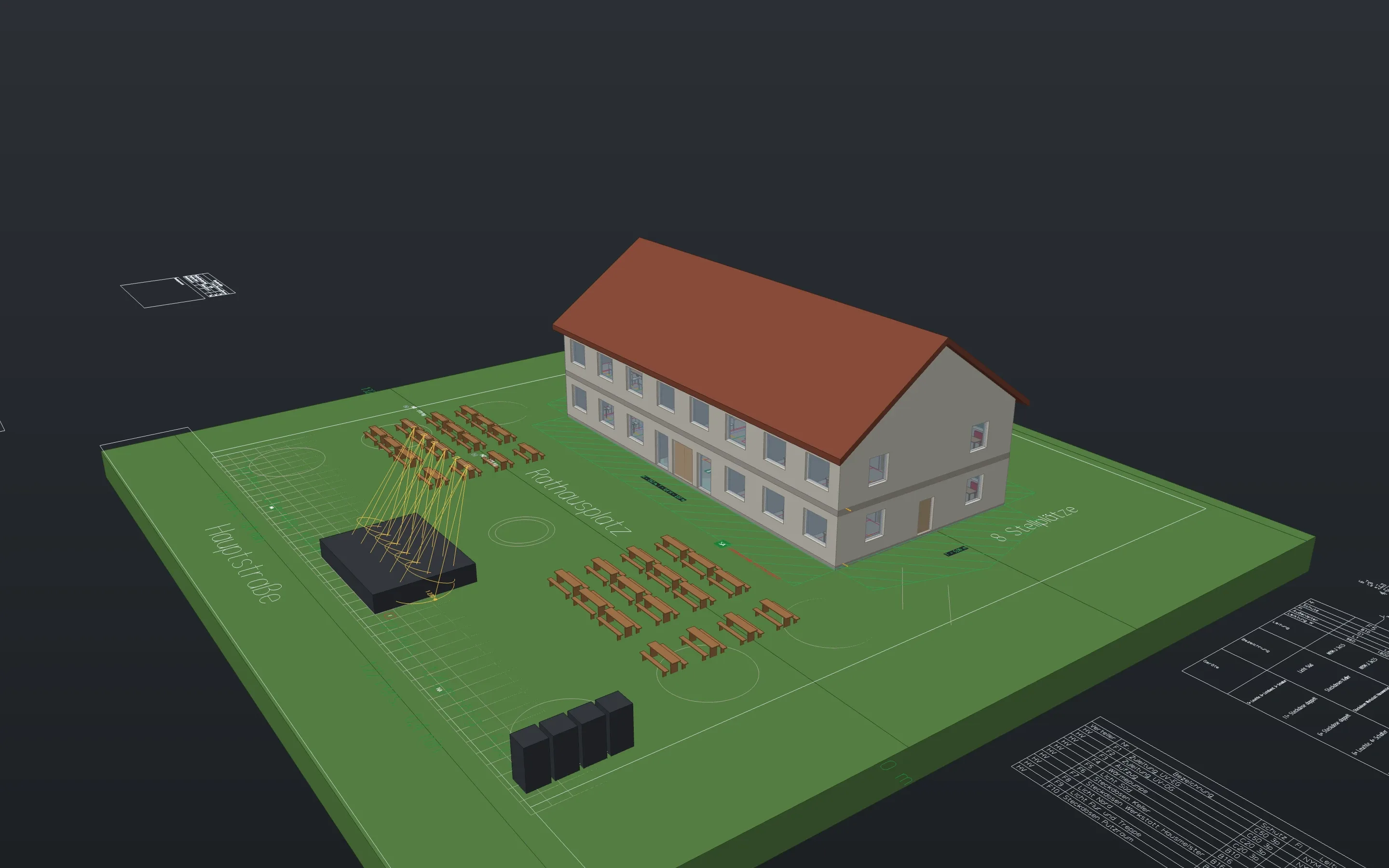 Bachhausen town hallOne building, seven trades, 58 sheets from one file.
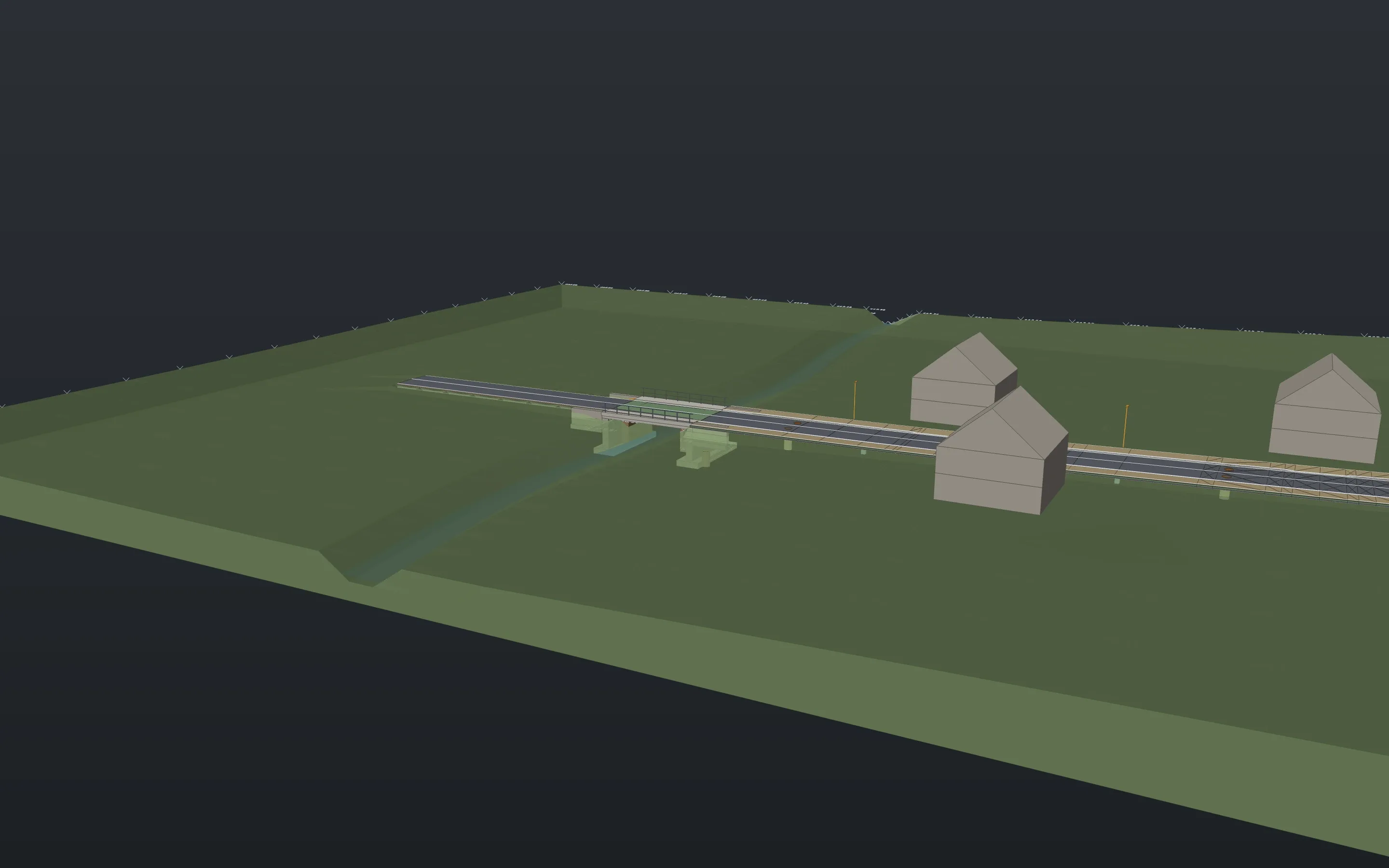 Village through-road with a bridge300 m of road, a bridge, sewers and utilities, 12 A1 sheets.
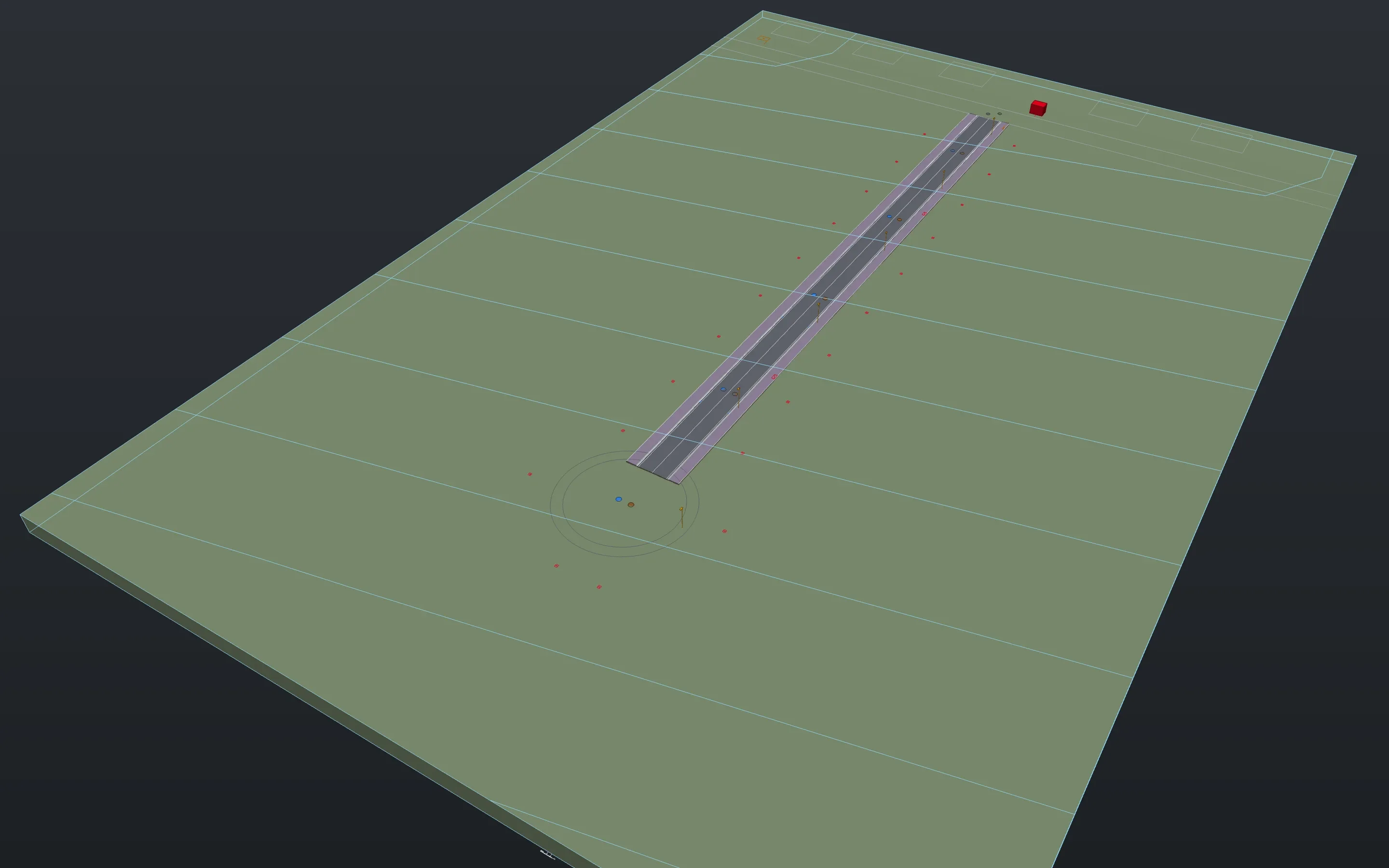 Bachhausen-Süd development22 plots, four utilities, 552 splices, 264 fibre paths.
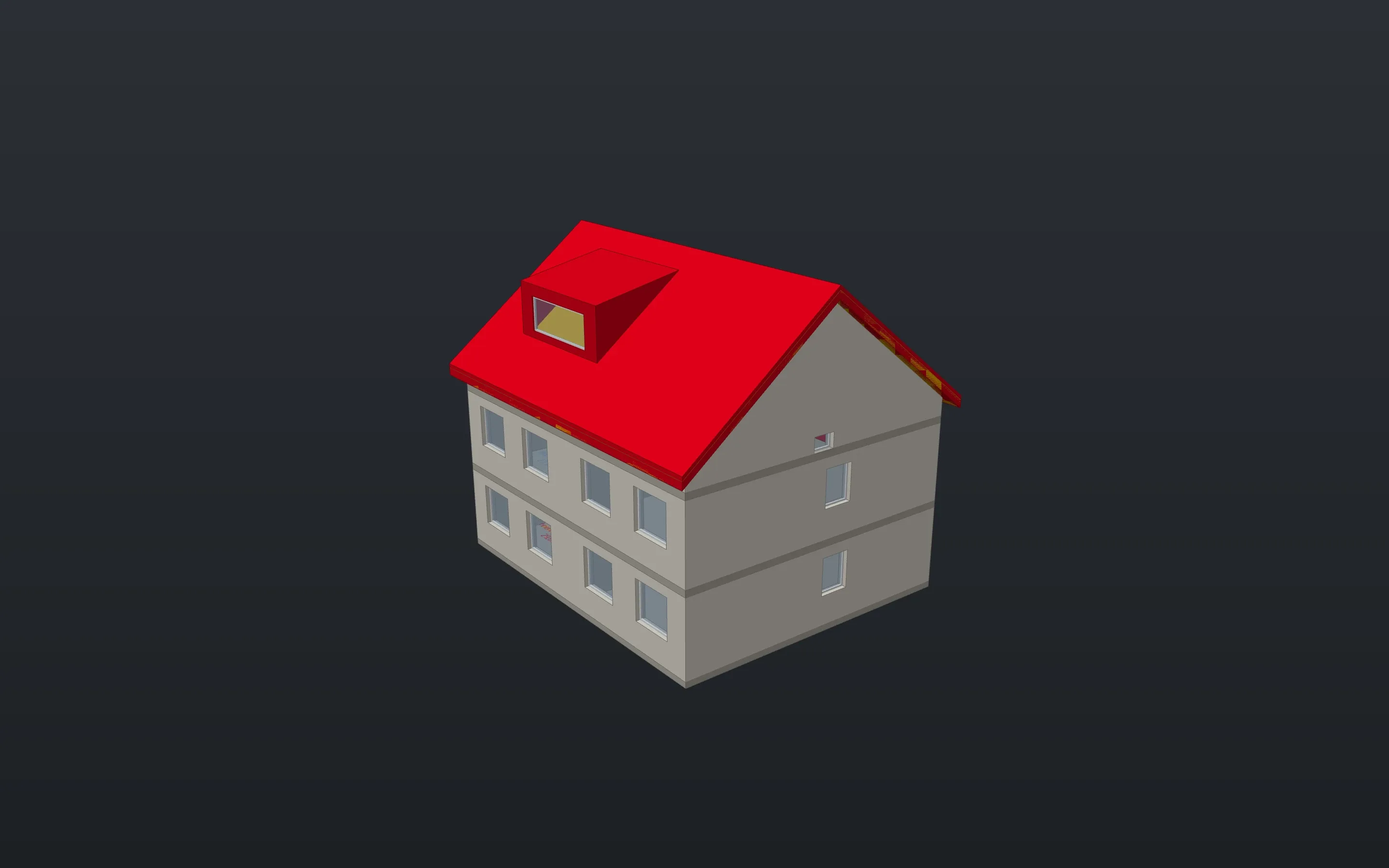 Renovating a block of flatsExisting, demolition, conversion and new build from one model, eight sheets.
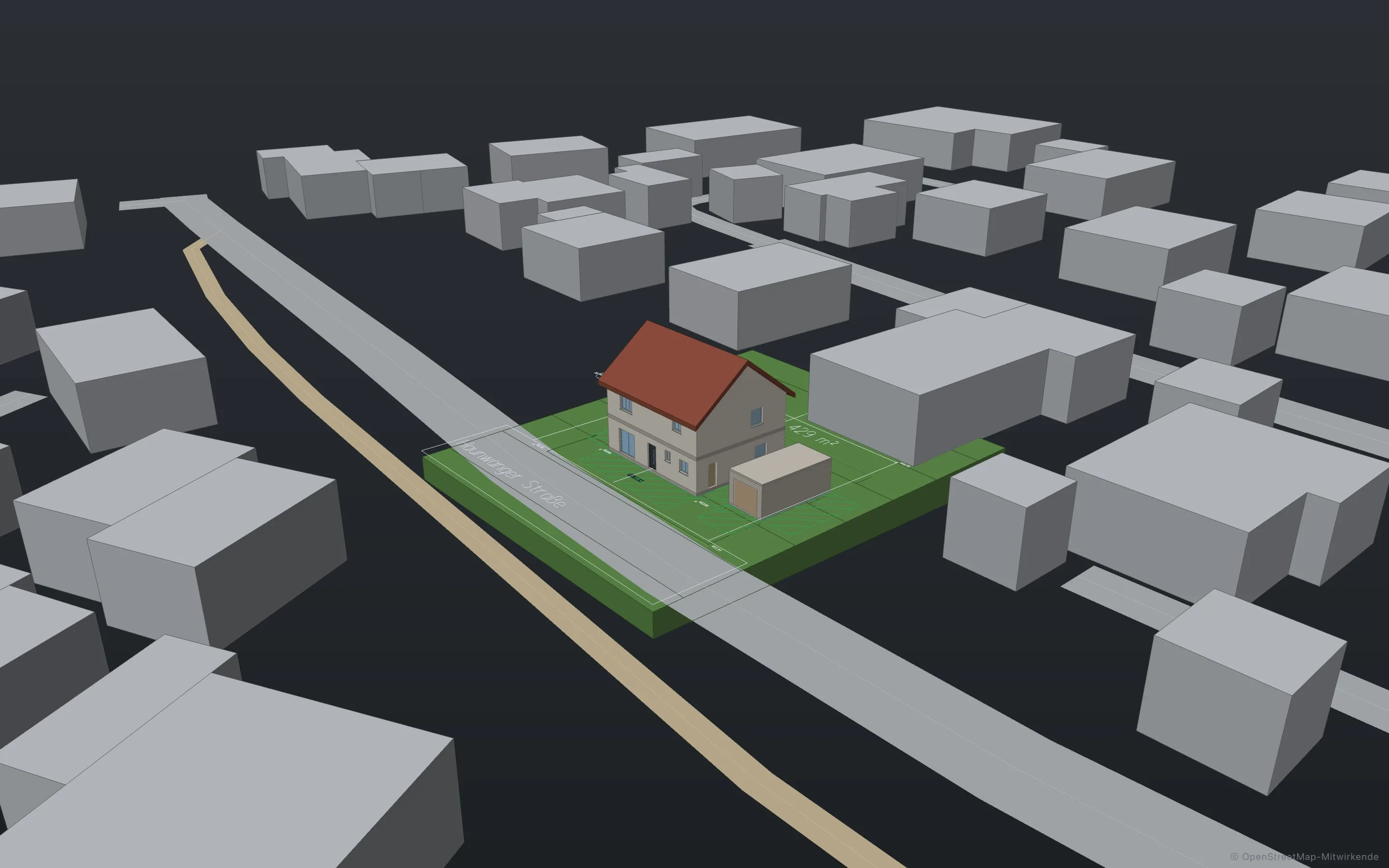 A building permit in BavariaEight permit sheets and seven working drawings from one model.
Duck draws with the same commands you do.
The assistant doesn’t click around the interface. It calls the commands you type too, and you see each one in the command line.
Every command is a tool.
354 of the 365 commands are open to Duck, from
walltoheatload. Opening, exporting and deleting files stays with you.One undo for the whole run.
Duck takes back only its own steps, never yours.
Agents in the open drawing.
Claude Code and other agents work over MCP in the running app, locally on your machine, while you watch.
Together on one file.
Share with one click: a link to view and measure in the browser, another to draw along in the app. Plus versions, reserving and working on without a connection. The server for it is still in test operation.
Your files stay yours.
DWG and DXF in both directions, IFC, PDF and PDF/A, LandXML, ISYBAU, GAEB X31, Shapefile and GeoJSON, MVR. The native .frame format is readable JSON.
What is still missing.
- Windows. The build is prepared but not finished. Today Linework runs on Macs with Apple silicon.
- Experience from offices. The examples are made up; no office has handed in a real project with Linework yet.
- Verification. Calculations are preliminary sizing from your input values. Tables from standards are not built in, and responsibility stays with the planner.
- Apple’s notarization. On first start you have to allow the app in System Settings.
Want to try Linework on a real project? Write to us
Download Linework and open one of your drawings.
The app is free, for professional work too, without an account or a licence key.
- Product
- FrameMind Linework
- Version
- 0.19.2
- Date
- 13 November 2026
- Platform
- macOS, Apple silicon
- Windows
- in preparation
- Price
- free