IndustriesUtilities
Utilities that stay connected.
Water, power, sewer and fibre are networks with connection points. House connections are made in one step, duct occupancy, splice plan and fibre paths come from the model, and the hand-over goes out as Shapefile, GeoJSON or DXF to the operator’s profile.
For planning offices and utility contractors who deliver to the operator’s network information system and to funding bodies. Linework is not a network information system itself.
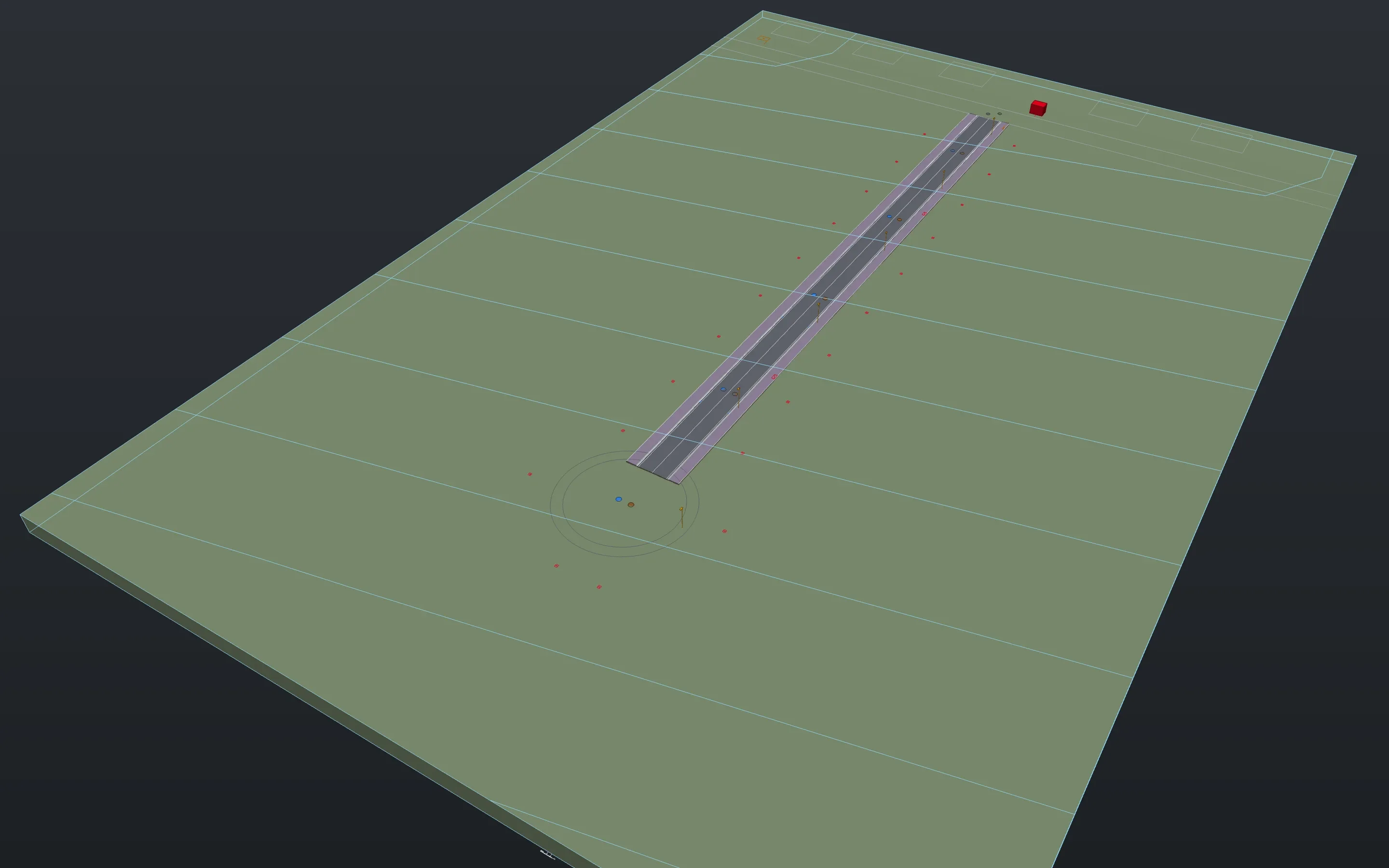
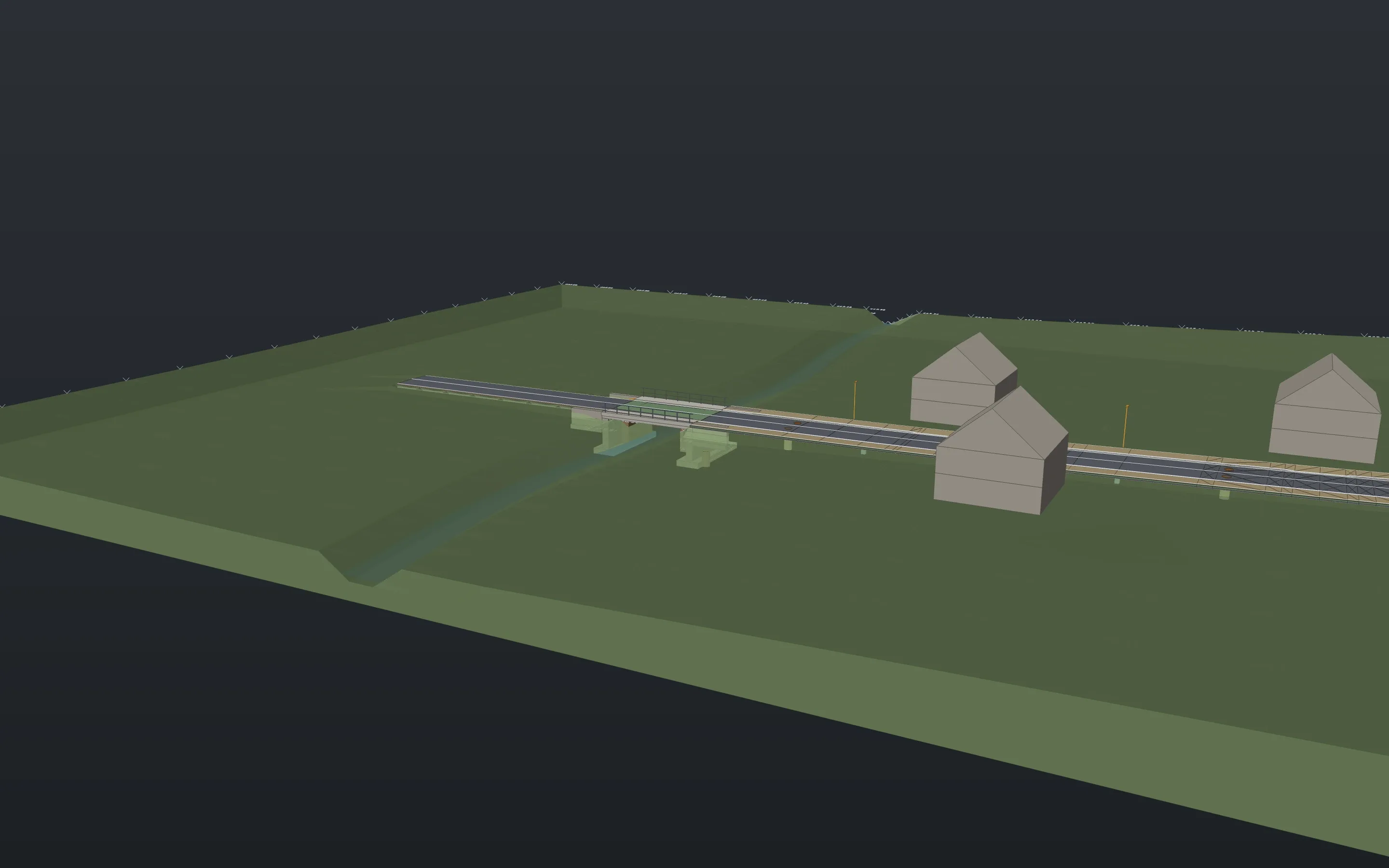
Sheets from the example projects, plotted with Linework. A click opens the whole sheet.
The network
Ports and connections
Connections hang on the ports of the symbols and move with them. The network can be traced, numbered and listed from end to end.
portconnecttracenetlistSystems and catalogues
Every utility is a system with its layer and colour. Pipe, bundle and cable types come from a catalogue with diameters, ducts per bundle, fibre counts and colour sequences.
netsystempipetypeOne inside the other
The cable lies in the microduct, the microduct in the bundle, the bundle in the route. What is inside counts in sections and quantities.
contain
House connections
Water, power, sewer
The command splits the main at the branch with a tapping saddle or branch joint and lays the service pipe at a right angle with an adjustable minimum cover to the boundary or into the service box. The list gives plot, type, length and depth.
houseconnectionFibre to the home
A branch on the bundle, the next free microduct, the drop with its address and the home entry point. With the drop cable if you like, spliced in the house and at the distribution point, in one undo step.
fiberconnection
Fibre
Duct occupancy
Per bundle occupied, free and reserve, with one row per microduct in the columns of the German gigabit funding’s material concept if needed.
occupancySplice plan
Fibre to fibre, splitters, trays. The splice plan per closure shows tray by tray with tube and fibre colours, as a table and CSV.
splicespliceplanFibre paths and loss
Every fibre can be traced through splices and splitters, from the PoP to the home, with the calculated loss from length, splices and connectors.
fibertraceMaterial concept and progress
Checks 4+2 fibres per home entry point and 15 % free microducts per bundle. Address lists come in as points, and progress is kept per construction stage.
materialcheckaddressesbuildprogress
Check and hand over
Clearances between utilities
Clear distances between pipes of different systems, parallel and crossing, in 3D between their outer walls, by rules that you or the operator supply.
netclearancenetchecknetqualityTypical section with utilities
The section cuts the utilities at a station, draws each at its depth and the zone of every utility beneath.
roadsectionSheets along the route
Sheets laid along the route with an overview, labels with type, occupancy and depth, tie dimensions to building corners, a sheet for utility enquiries.
routesheetsnetlabeltiedimsplaninfoHand-over to GIS and funding
GeoJSON, Shapefile and GeoPackage in both directions, DXF and DWG to the operator’s profile. For the German gigabit funding, the export writes the Shapefile sets of its GIS rules 5.1 and a list of missing mandatory fields.
exportimport
Formats
In
Out
Symbol packs
- Supply networks: 11 symbols for water, gas, power and district heating, plus 37 pipe types.
- Fibre FTTH: PoP, distribution point, closure, home entry point and chamber, plus 28 types of microducts, bundles and cables.
Packs are content, not program. They come with the download, and you install them in the app. Any DWG with your own blocks becomes a library the same way.
What is still missing
- Clearances are checked against rules that you or the operator supply. Values from standards are not built in; the result is a hint, not an approval.
- The list that comes with the funding export is our own, not a check by the funding platform.
- The loss is a planning value. Proof comes from measuring the built network.
- Gas and district heating have symbols and pipe types but no house connection of their own. Hydraulics and network calculation are missing.
- The shared trench section of several utilities is not drawn yet.
In the examples
Download Linework and open one of your drawings.
The app is free, for professional work too, without an account or a licence key.
- Product
- FrameMind Linework
- Version
- 0.19.2
- Date
- 13 November 2026
- Platform
- macOS, Apple silicon
- Windows
- in preparation
- Price
- free