IndustriesNetwork and circuit diagrams
From the outlet to the switch port.
Outlets, patch panels and switches have ports, cables have numbers. The patch list, the rack elevation and the path of every port come from the plan.
For structured cabling, AV and building planning. For circuit diagrams there is a foundation, not a full electrical CAD.
Sheets from the example projects, plotted with Linework. A click opens the whole sheet.
Network
Cables with number, type and length
Connections hang on the ports and move along, routed at right angles if you like. One command assigns cable numbers, and the label sits on the cable.
connectnumbernetlabelTrace the path
From the outlet through the installation cable, the patch panel and the patch cord to the switch port, through any number of panels, with the length.
traceLists from end to end
Connection list, patch list, cable list, pull list per route and label data per cable end, as a table or CSV.
netlist
Racks
19-inch rack with units
You mount devices at a unit or in the next gap, front or rear. Linework refuses overlaps.
rackrackmountRack elevation
To scale from front and rear, with the units in use and the totals for weight and power.
rackview
Circuit diagrams, the foundation
Tags and cross-references
Device tags in the structure plant, location, device. Contact mirrors under the coil, the coil’s location at the contact, references by sheet and column.
devicetagcrossrefsheetgridPotentials and terminals
Wire numbers by potential or location, terminal strips with a terminal plan, cables with cores.
potentialsterminalstripterminalplanPDF with links
A bookmark per sheet, and every cross-reference is a link to its target.
plot
Formats
Symbol packs
- Network and media: 24-port patch panel, 24-port switch, 42U rack, double outlet, access point, projector.
- Circuit symbols: 18 symbols at paper size, from make and break contacts through contactor and motor to the terminal.
Packs are content, not program. They come with the download, and you install them in the app. Any DWG with your own blocks becomes a library the same way.
What is still missing
- Not a full electrical CAD: a command rewrites the cross-references; they do not update live. PLCs, connector pins, article data import and the cabinet layout from the diagram are missing.
- 18 symbols of our own as a foundation, not a catalogue from a standard. There is no example project for circuit diagrams yet.
- No documentation of VLANs and IP addresses, no makers’ devices.
In the examples
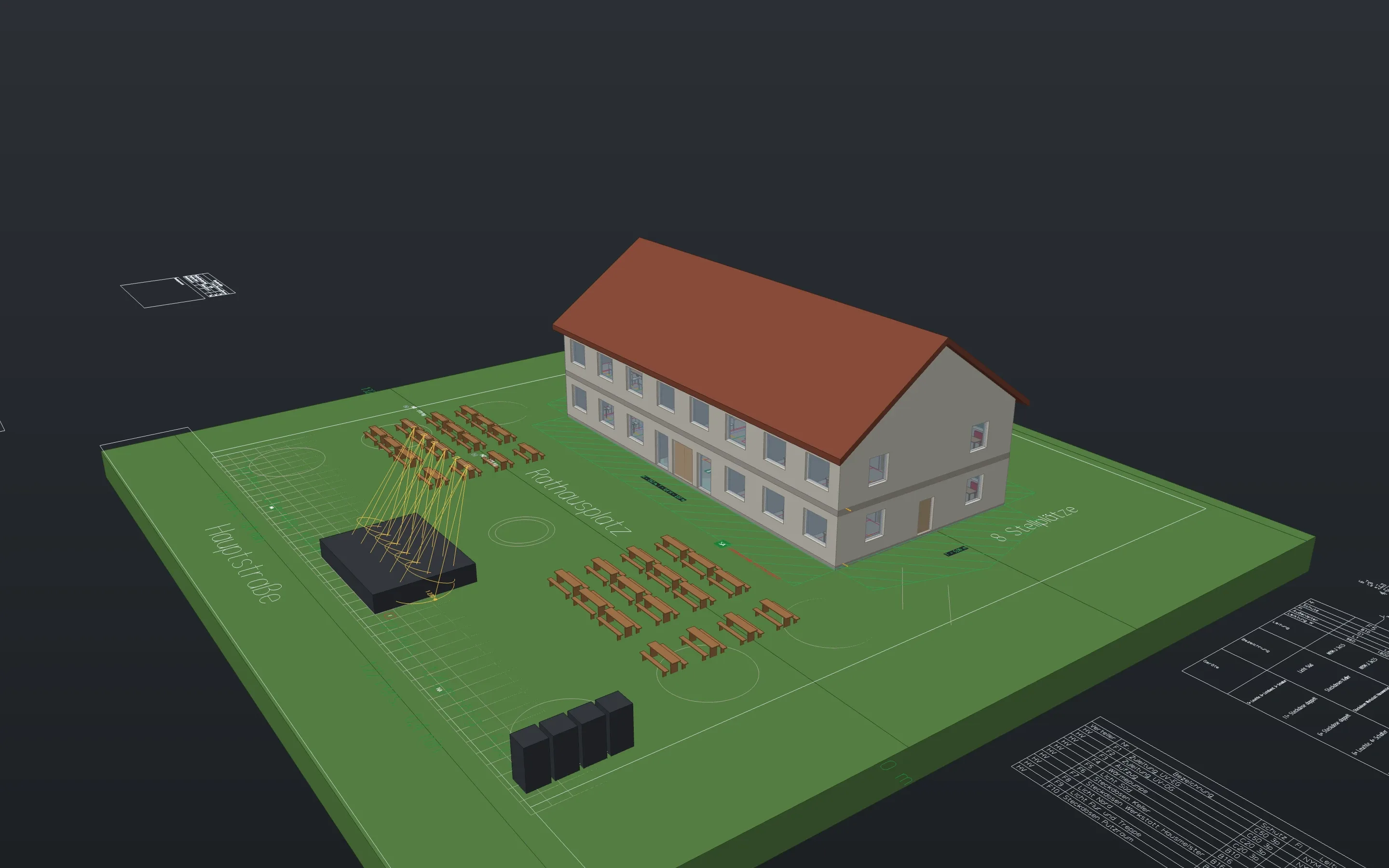
Download Linework and open one of your drawings.
The app is free, for professional work too, without an account or a licence key.
- Product
- FrameMind Linework
- Version
- 0.19.2
- Date
- 13 November 2026
- Platform
- macOS, Apple silicon
- Windows
- in preparation
- Price
- free