IndustriesElectrical
From the installation plan to the documentation folder.
Boards and circuits are objects. The installation plan, single-line diagram, circuit list and board layout come from the same structure and stay in step.
For electrical contractors in housing and commercial work, and for planners who want the installation plan and the board documentation from one model.
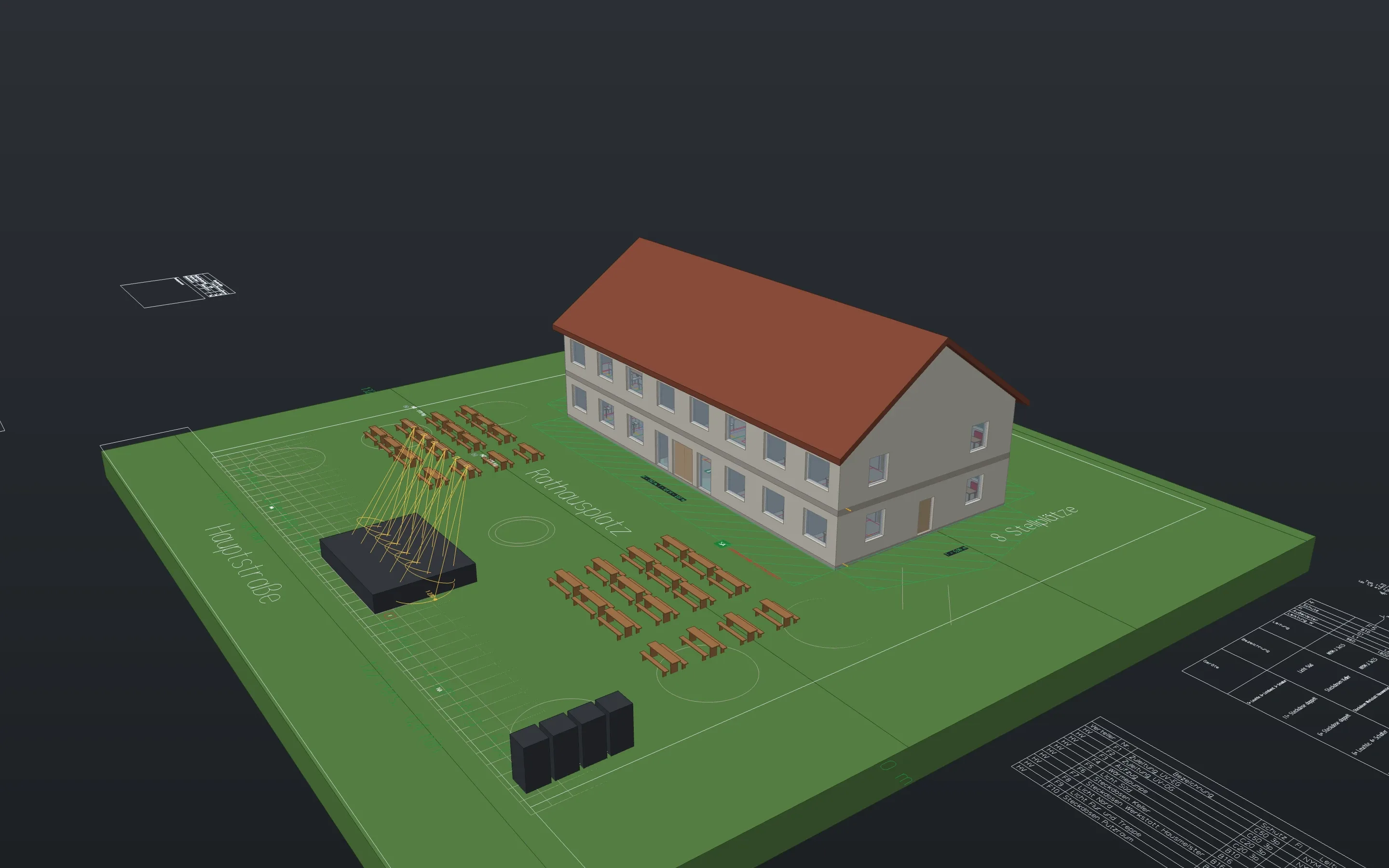
Sheets from the example projects, plotted with Linework. A click opens the whole sheet.
The structure
Boards
Fed from the meter or from a circuit of another board, with surge protection and residual current devices.
boardCircuits
Number, protective device, cable type, phase and load. You assign devices, with or without a drawn cable. Left open, Linework takes the least loaded phase.
circuitLabels on the symbol
Every device carries its circuit, such as “UV1.F3”. The label moves along, follows renumbering and goes into the DWG as an attribute.
Drawings and lists
The documentation folder in one step
An installation plan per storey and three sheets per board: single-line diagram, circuit list, layout drawing. Run again, the command updates the sheets.
elecdocSingle-line diagram and layout
The single-line diagram comes from the structure. The layout drawing arranges the devices in rows of 12 or 24 modules, with spare space.
boardplanboardlayoutCircuit list with cable lengths
Protection, cable, phase, devices by kind, rooms, load. The laid length is worked out from the routing height, the drop to mounting height and an allowance in per cent.
circuitlistnetlistlegend
Checks
What is missing, what is too much
Devices without a circuit, circuits without a device, too many circuits per residual current device, sockets without one, a board at the meter without surge protection, more load than the breaker carries. The check changes nothing; it selects.
circuitcheck
Formats
Symbol packs
- Electrical installation: 20 symbols with ports, among them sockets and switches with variants, luminaires, outlets, detectors, a meter cabinet and a board with 36 outgoing ways.
Packs are content, not program. They come with the download, and you install them in the app. Any DWG with your own blocks becomes a library the same way.
What is still missing
- No sizing: Linework does not calculate cross-sections, voltage drop, short circuit or selectivity. The check only compares installed load with the rated current.
- The symbols are our own simple ones in the usual manner, not a catalogue from a standard.
- Test records, KNX configuration, article data and the makers’ enclosures are missing.
In the examples
Download Linework and open one of your drawings.
The app is free, for professional work too, without an account or a licence key.
- Product
- FrameMind Linework
- Version
- 0.19.2
- Date
- 13 November 2026
- Platform
- macOS, Apple silicon
- Windows
- in preparation
- Price
- free